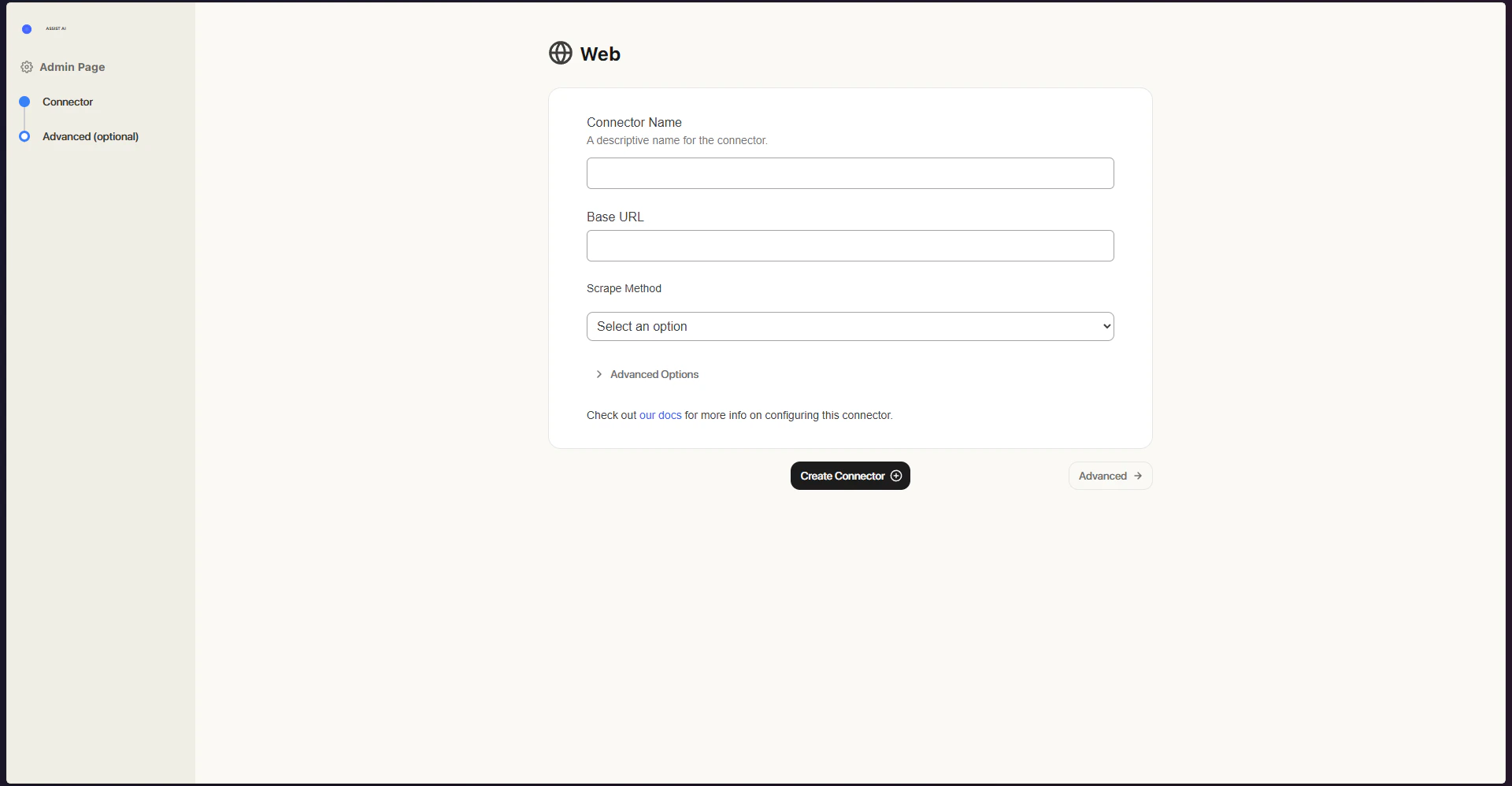
How it Works
The Web Connector crawls and scrapes sites starting from a specified base URL. Here’s what to keep in mind:- Only files from the same domain that share the same base path will be indexed.
- Any pages reachable through hyperlinks from the base URL will also be included in the index.
- Text content is cleaned up using built-in heuristics, and key metadata such as the page title is extracted automatically.
Setting Up
Authorization
No additional authorization is needed - as long as the page is publicly reachable, the connector can access it.Indexing
- Open the Web connector Navigate to the Admin Panel and select the Web Connector.
- Enter the base URL and begin indexing Type in the base URL you wish to index and click Index.