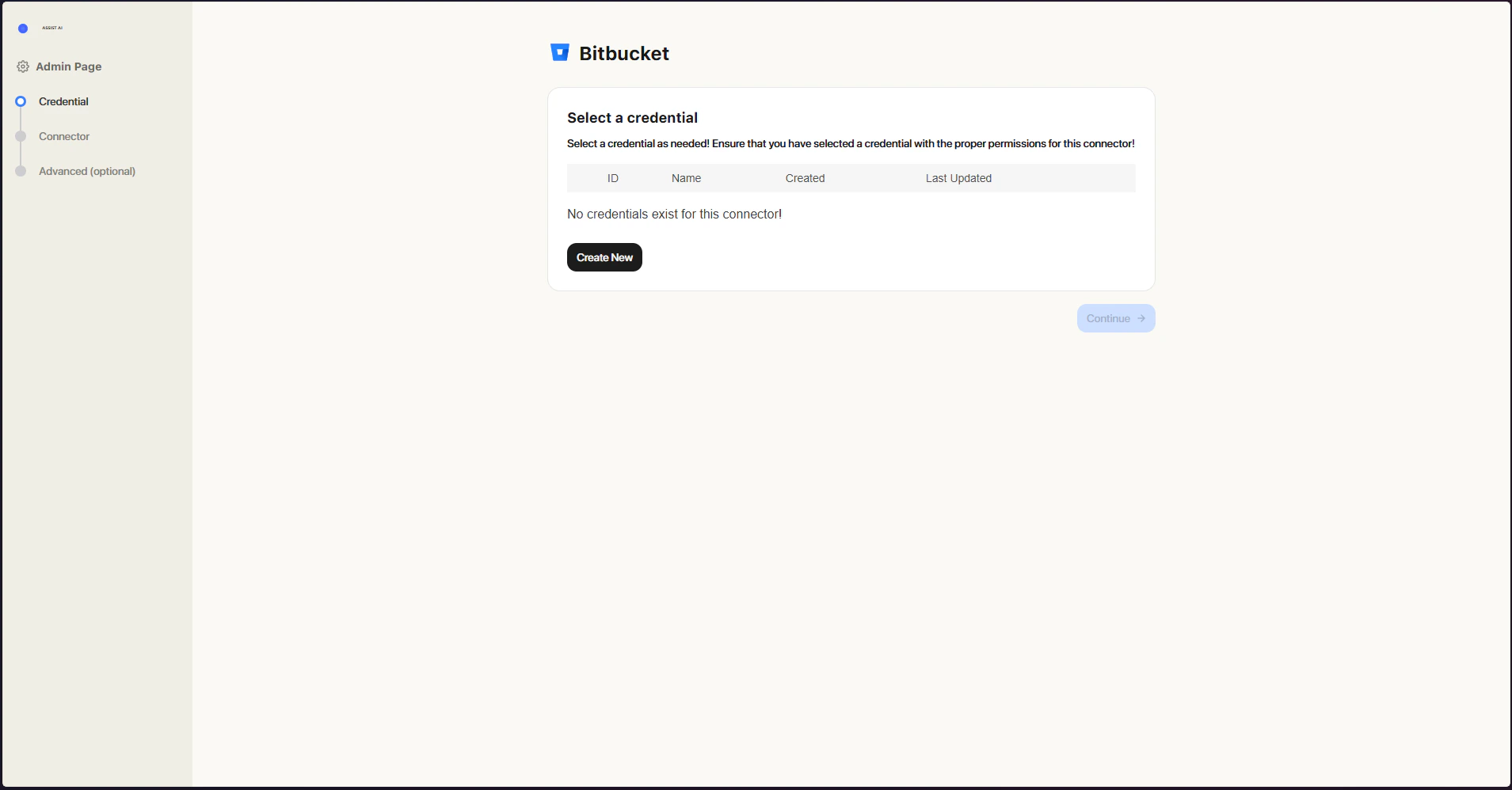
How it works
The Bitbucket Connector indexes all Pull Requests from a specified Bitbucket Cloud repository, project, or entire workspace.- It covers
OPEN,MERGED, andDECLINEDpull requests, including their titles and descriptions. - It also captures key metadata such as the author, reviewers, current status, creation and update timestamps, and a direct link back to the original pull request in Bitbucket.
Setting Up
This connector is compatible with Bitbucket Cloud only.
Authorization
The Bitbucket Connector authenticates using an API Token. To generate one, follow these steps:- Log in to Bitbucket Sign in to your Bitbucket account.
- Open Account Settings Click the Settings cog in the upper-right corner of the navigation bar.
- Access Atlassian Account Settings Under Personal settings, select Atlassian account settings.
- Go to the Security Tab Click the Security tab in the top navigation bar.
- Manage API Tokens Select Create and manage API tokens.
- Create a Scoped Token Click Create API token with scopes.
- Name the Token Give your token a descriptive name and set an expiry date, typically reflecting the application it will be used with, then click Next.
- Choose Bitbucket Select Bitbucket as the app and click Next.
- Select Scopes Choose the required permissions and click Next:
- Projects:
read:project:bitbucket - Repositories:
read:repository:bitbucket - Pull Requests:
read:pullrequest:bitbucket
- Projects:
- Create the Token Review your settings and click Create token. The token will be displayed on screen.
- Save the Token Copy the token and store it securely or paste it directly into ASSIST AI.
Important: The token is only shown once and cannot be retrieved afterward.
Indexing
- Open the Bitbucket connector
- Create Credentials Click Create new credentials and fill in the following:
- Name: A descriptive label for your credentials.
- Email: The email address associated with your Bitbucket account.
- API Token: The token you generated in the previous step.
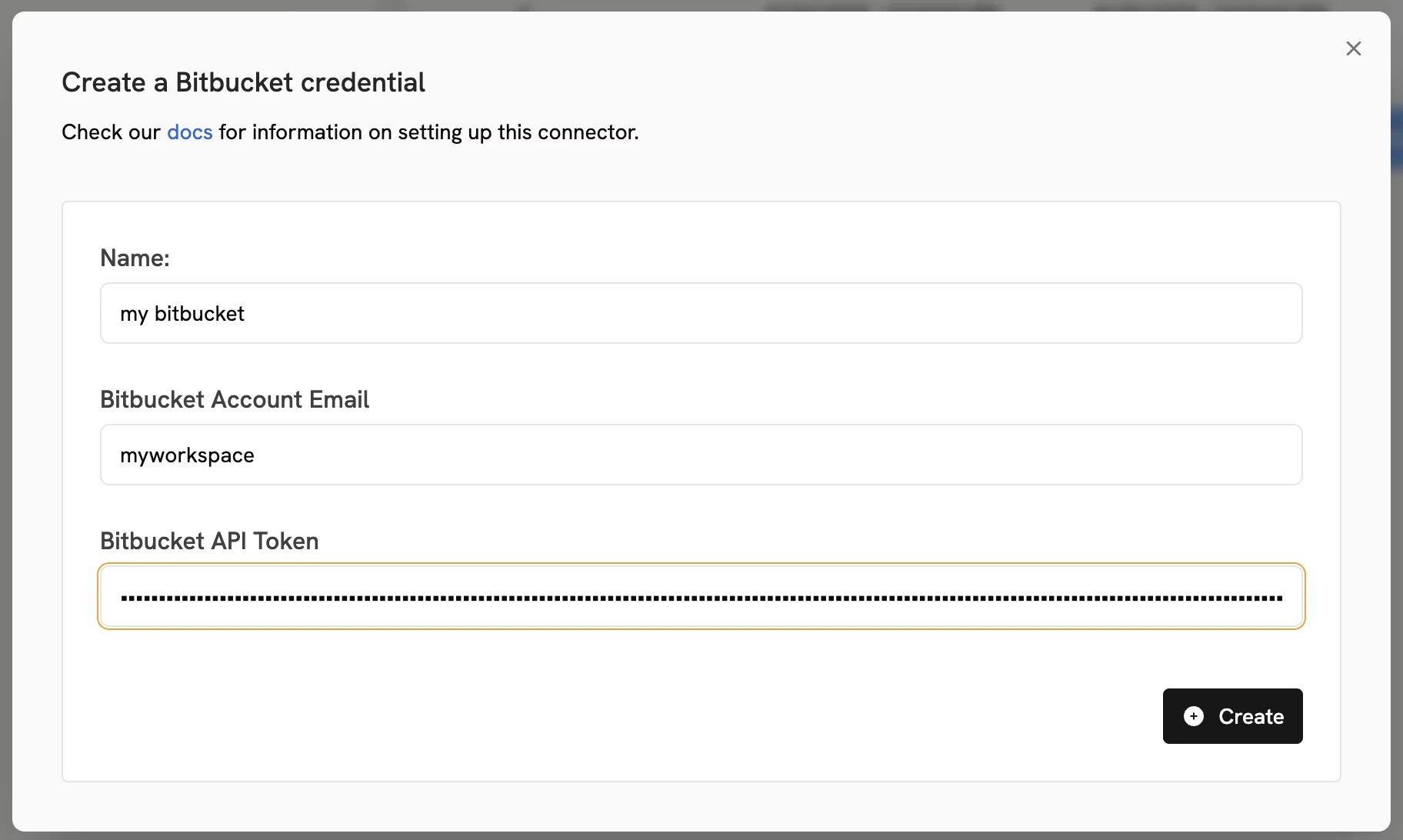
- Configure Connector Details Complete the connector setup with the following information:
- Name: A descriptive name for the connector.
- Workspace Name: The
WORKSPACE_NAMEfrom your Bitbucket URL (https://bitbucket.org/{WORKSPACE_NAME}/...). - Repositories or Projects (Optional): A comma-separated list of repository slugs or project keys to index. You can also configure this to index all repositories within a specific project or across an entire workspace.