
Managing Agents
The Agents page in the Admin Panel provides a full overview of all Agents within your organization. From here, you can build new Agents, update existing ones, highlight featured Agents, control their visibility, and remove them as needed.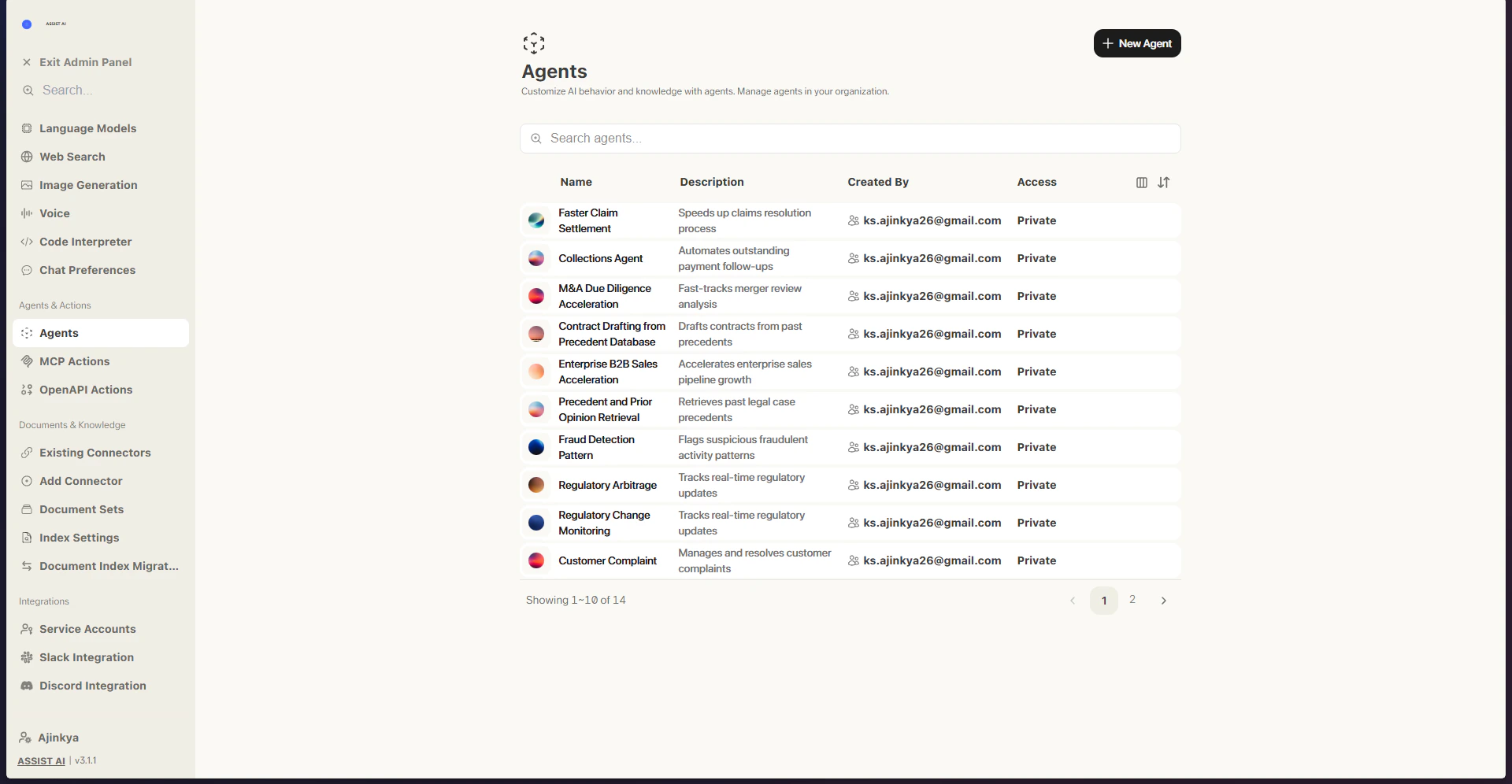
Creating Agents
- Create a New Agent Head to the Admin Panel and select Agents from the sidebar. Click New Agent to get started.
- Name and Prompt Your Agent Give your Agent a name, a brief description, a set of instructions, and optionally a custom icon.
- Configure Your Agent Attach Actions to your Agent to allow it to carry out specific tasks — refer to the Actions Overview for details. You can also set a default language model for the Agent. Marking an Agent as Featured will display it prominently at the top of the Agents explorer for your users.
- Further Configuration Choose whether to publish your Agent organization-wide or limit access to specific users or groups. Starter Messages can be added to guide users on how to interact with the Agent effectively. Labels make it easier for users to search for and categorize Agents.
- Configure Knowledge Options Set up the relevant knowledge options for your Agent to define what information it can draw from. Once published, your Agent will be accessible through the Explore Agents page in the Chat sidebar.