> ## Documentation Index
> Fetch the complete documentation index at: https://docs.tryassist.in/llms.txt
> Use this file to discover all available pages before exploring further.
# Web
Index public or internal web pages
## How it Works
The Web Connector crawls and scrapes sites starting from a specified base URL. Here's what to keep in mind:
* Only files from the same domain that share the same base path will be indexed.
* Any pages reachable through hyperlinks from the base URL will also be included in the index.
* Text content is cleaned up using built-in heuristics, and key metadata such as the page title is extracted automatically.
## Setting Up
### Authorization
No additional authorization is needed - as long as the page is publicly reachable, the connector can access it.
## Indexing
1. **Open the Web connector** Navigate to the Admin Panel and select the **Web Connector**.
2. **Enter the base URL and begin indexing** Type in the base URL you wish to index and click **Index**.
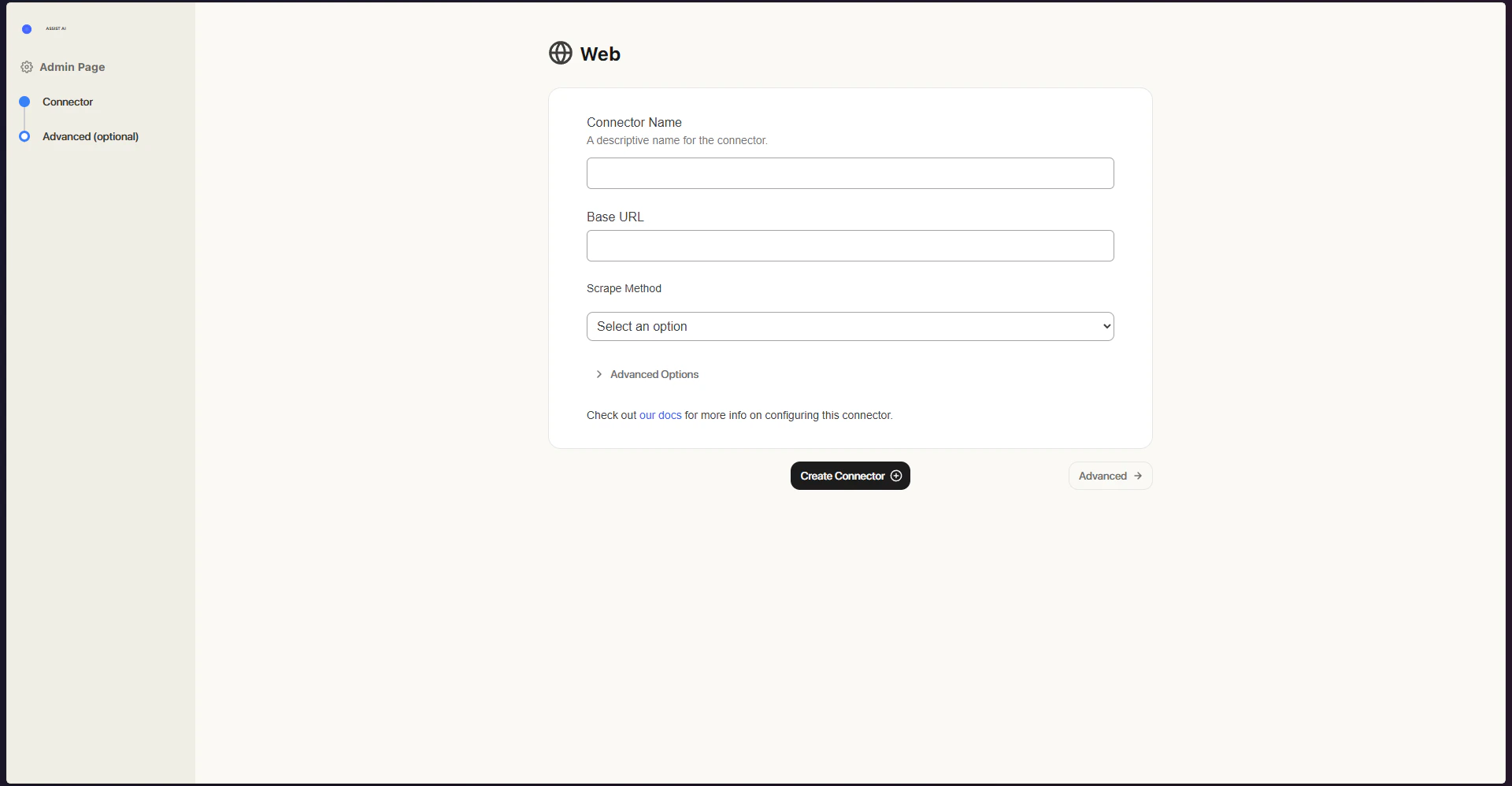 To monitor the progress of the indexing, visit the **Connectors Status** page located in the top left of the panel.